

You’ve spent hours on your presentation. The data checks out, stories land perfectly, visuals look sharp. Then you reach your last slide, and everything deflates. Generic “Thank You” appears. The audience checks their phones. All that momentum? Gone.
Here’s something most people don’t realize about how to end a presentation: your brain remembers beginnings and endings far more vividly than anything in between. Psychologists call this the primacy and recency effect. That middle section you stressed over for days? It fades fast. But your conclusion slide? That’s what sticks.
Teams offering PPT redesign services obsess over endings for good reason. They understand that your final slide is what creates the lasting impression. Often, the problem isn’t content—it’s weak conclusions that fail to create an emotional connection or drive action.
This guide shows you ten powerful ways to end a PowerPoint presentation, plus what never works.
Table of Contents
Why the last slide matters
Memory isn’t democratic—your audience won’t remember everything equally.
Consider how recall actually works in meetings. Someone presents for thirty minutes, covers fifteen topics, and shows forty slides. Three days later, what does the audience remember? The opening story, maybe one surprising statistic, and the ending. That’s it.
The recency effect makes final moments disproportionately important. Whatever you say last echoes longest in the audience’s mind. Want them to act on your recommendation? Make it your closing sentence. Need them to feel inspired about possibilities? Create that feeling in your presentation ending, not buried on slide seventeen.
Your presentation’s conclusion either reinforces or undermines everything. Good endings don’t introduce random new concepts. They crystallize ideas you’ve built throughout, turn abstract arguments into concrete next steps, and transform information into motivation.
Best ideas for your last presentation slide (with examples)
Ten approaches consistently work. Select the one that supports your objective rather than the one that simply feels safe.
Clear call-to-action slide
Tell people exactly what happens next. No vagueness or hoping they figure it out.
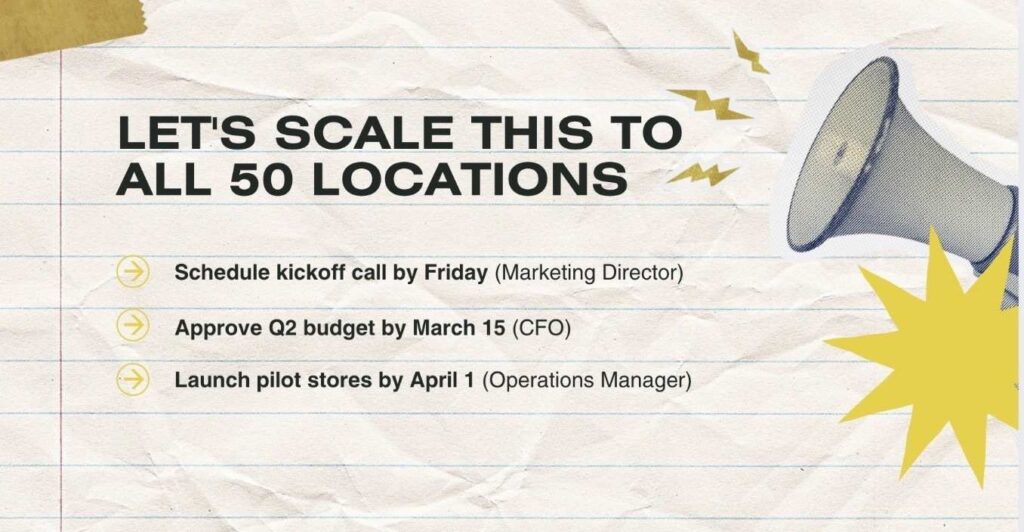
Real example: A marketing agency presents campaign results to a fashion client. Their last slide of the presentation shows a bold headline: “Let’s Scale This to All 50 Locations.” Below that, three specific actions:
- Schedule kickoff call by Friday (Marketing Director)
- Approve Q2 budget by March 15 (CFO)
- Launch pilot stores by April 1 (Operations Manager)
Notice what they did there? Owners are tied to each action and its specified date—no wiggle room. This is how to wrap up a presentation when you need decisions, not discussions.
Summary / key takeaways slide
Distill complex presentations into three to five bullets that people actually remember.
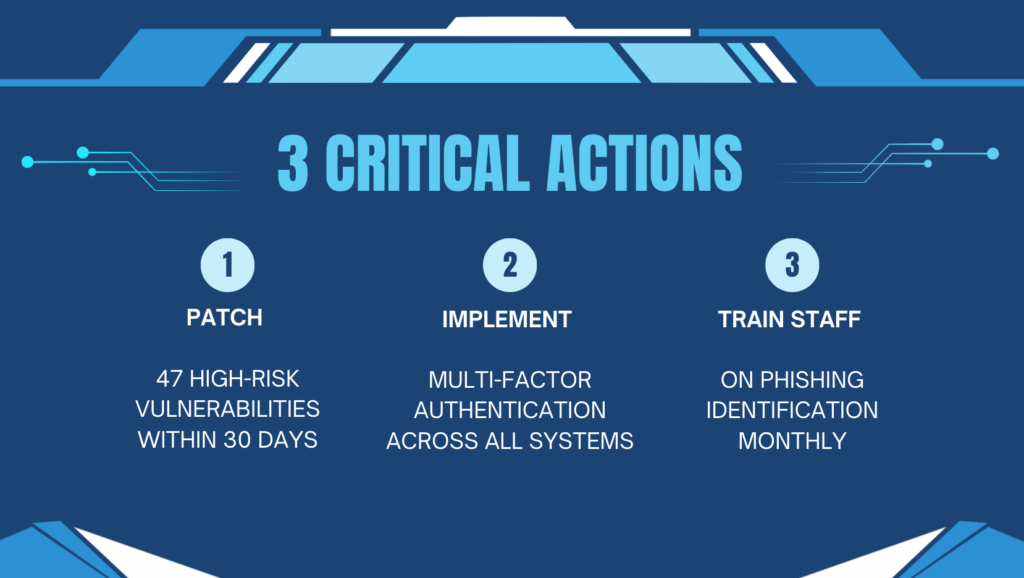
Real example: A cybersecurity consultant presents penetration test results to the hospital board. Dense technical presentation with lots of charts. Their outro for presentation? “3 Critical Actions” as the headline:
- Patch 47 high-risk vulnerabilities within 30 days
- Implement multi-factor authentication across all systems
- Train staff on phishing identification monthly
Each point has a small icon, a clean design, and clear priorities. Board members might forget the seventeen vulnerability categories discussed, but they’ll remember these three priorities when explaining the presentation to their teams later.
Inspirational quote slide
Sometimes other people’s words land harder than your own.
Real example: A nonprofit presents its annual impact to donors. Their professional end of presentation slide features Maya Angelou: “People will forget what you said, people will forget what you did, but people will never forget how you made them feel.” On the right sits a single photo—a child smiling. No logos. No clutter. Pure emotion.
Quote selection matters enormously. Random inspirational quotes feel disconnected; relevant quotes amplify your message. Choose carefully.

Vision / future outlook slide
Show them where you’re heading, not just where you’ve been.
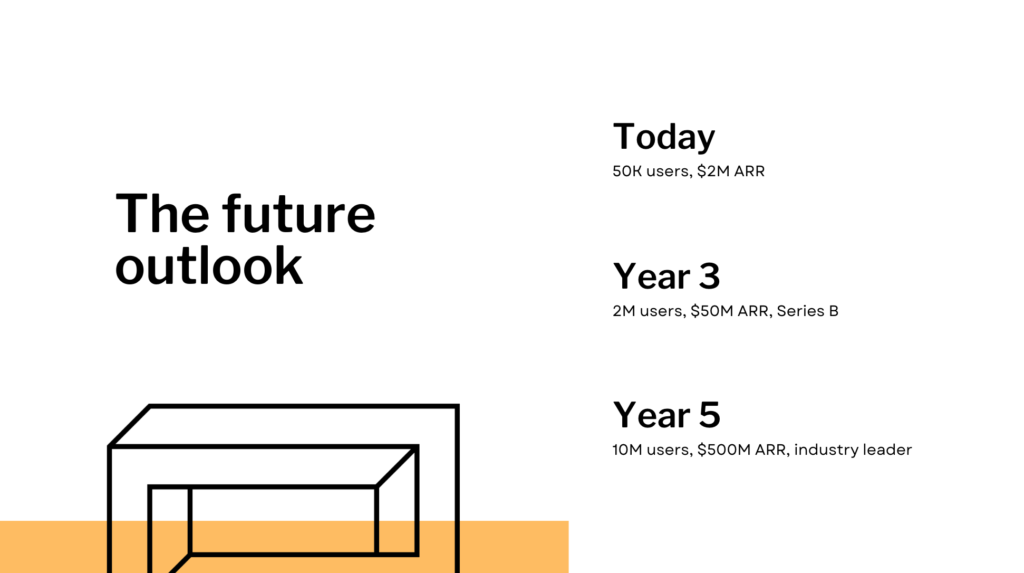
Real example: Tech startup pitches to VCs. How to close a presentation when asking for $10 million? Their final presentation slide shows a simple timeline:
- Today: 50K users, $2M ARR
- Year 3: 2M users, $50M ARR, Series B
- Year 5: 10M users, $500M ARR, industry leader
Simple graphics, bold numbers, and a strong future vision help investors picture success rather than fixate on current limitations.
Thank you + contact information
Classic approach. It can work brilliantly or fail miserably depending on execution.
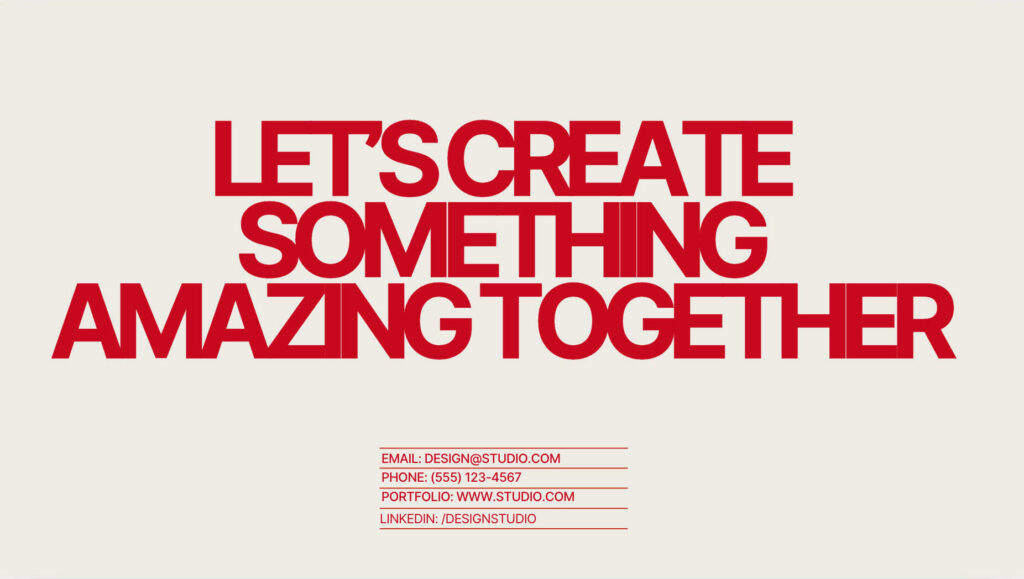
Real example: A freelance designer concludes a portfolio presentation to a potential client. The last slide of the PPT shows “Let’s Create Something Amazing Together” as the headline. Contact details below:
- Email: [email protected]
- Phone: (555) 123-4567
- Portfolio: www.studio.com
- LinkedIn: /designstudio
Each method is separated by a horizontal divider. White space surrounds everything. Professional yet approachable and super easy to screenshot for follow-up. This beats generic “Thank You” by actually inviting next steps.
A slide (but thoughtfully designed)
Questions are inevitable. Address them intentionally rather than relying on a generic “Any questions?” slide.
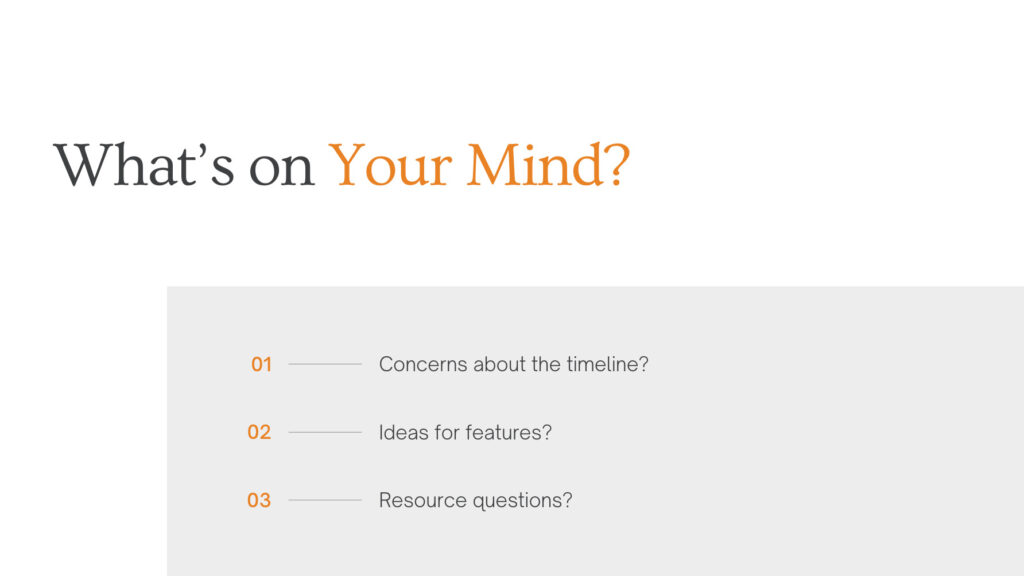
Real example: Product manager presents roadmap updates to stakeholders. Instead of boring “Questions?” their ending slide for presentation shows “What’s On Your Mind?” with guided prompts:
- Concerns about the timeline?
- Ideas for features?
- Resource questions?
This shapes conversation productively. Guides discussion toward useful topics instead of random tangents or awkward silence.
Strong visual / brand moment slide
Sometimes images communicate better than any words you could write.
Real example: An architecture firm presents building designs to the city planning committee. How do you wrap up a presentation about transforming the downtown area? Their presentation’s conclusion shows full-screen rendering. Proposed building at sunset. People walking through the plaza. Children playing. Zero text. Just vision, powerful, and memorable.

Use this approach when you feel visuals communicate your message more effectively than words. Let the image create that strong impression you need.
Testimonial or social proof slide
Customer voices often persuade better than your own claims.
Real example: SaaS company pitches to enterprise buyers. Their last slide of the presentation features a customer quote: “This platform saved us 200 hours monthly and increased productivity by 40%.” Customer’s title included. That’s third-party validation at the most crucial moment.
Social proof reduces skepticism instantly. Other people’s success makes your promises feel real, not hypothetical.

Thank you + CTA combo
Blend gratitude with direction. Acknowledge their time. Tell them what’s next.
Real example: A consultant presents a strategy to a manufacturer. Final presentation slide shows:
“Thank You” (prominent at top)
Next Steps:
- Schedule Implementation Call [Button]
- Download Full Report [Button]
Contact info at the bottom. Brand colors throughout. Polite and purposeful simultaneously.

Personalized closure slide
Generic endings feel generic. Custom endings feel thoughtful.
Real example: Sales rep presents to a specific prospect. What to say at the end of a presentation to this particular company? Their outro for presentation mentions the prospect’s challenges by name and includes a timeline customized to their fiscal year: “Solving the McNamarra Inc. Supply Chain Challenges by Q3 2025.”
Personal. Relevant. Shows you prepared specifically for them, not just anyone.

What not to put on the last slide
Some endings can ruin an otherwise great presentation.
Here’s what not to do:
Don’t write paragraphs. White space matters, so let your conclusion slide breathe. If viewers need to squint, you’ve lost them.
Skip “THE END” entirely. This isn’t a children’s storybook. This phrase adds nothing, making you look unprepared.
Avoid clip art from 1995. Your ending should match your opening’s polish. Mismatched images or dated graphics can wreck the credibility you spent thirty slides building.
Never default to “Any Questions?” Feels like an afterthought and shows you didn’t actually plan how to close a presentation properly.
Design tips for a powerful closing slide
Visual design either amplifies your message or undermines it.
Simplicity wins on endings. One strong image beats five weak ones every time. Three key points beat ten scattered ideas. Clarity drives action, while complexity creates confusion.
Quality matters more at the end. Stock photos that everyone has seen often feel generic. Custom photography or illustrations, on the contrary, make stronger impressions. Must use stock? Pick images that don’t scream “obviously stock.”
Typography should be bold and high-contrast. Your call-to-action or final rhetorical question needs to be impossible to miss:
- Large fonts
- Bold weights
- High contrast
- Readable from the back row
Animation works only when strategic. One animation—your CTA fading in after a pause—focuses attention brilliantly. Five animations competing? That’s chaos, not an emphasis.
Brand consistency matters through the final second. Your last slide should connect visually to your first one. Same colors, same fonts, same design language—all of that helps create cohesion that audiences feel subconsciously.
How SlidePeak can help you create a memorable final slide
Many professionals struggle with crafting effective presentation endings. Content is solid, data is compelling, but conclusions feel awkward or incomplete.
Here’s what our dedicated team can do for you:
We redesign entire decks with endings as priority. Your presentation conclusion doesn’t exist in isolation. It connects to everything before it. Our designers ensure your narrative builds toward powerful finales that reinforce your message and create a genuine emotional connection with audiences.
We craft story arcs that make endings feel inevitable. Knowing how to close a presentation strategically requires understanding your real goals. Budget approval? Investor pitch? Team training? We shape your story so your ending feels like a natural resolution, not an abrupt stop.
We design closing slides matched to specific objectives. Generic templates don’t create lasting impressions. That’s why we build custom endings that match your brand, your audience, and your goals. Bold call-to-action? Inspiring vision? Your final slide gets the attention it deserves.
Why endings matter so much?
Your last words, your closing visuals, and your final moments with the audience are what shape what happens after you stop talking. They determine whether people act on your ideas or forget them by lunch tomorrow.
Final word
The last slide of the presentation carries more weight than most people realize: it either reinforces everything or wastes your final opportunity. Because of the recency effect, endings stick in memory longer. So choose your approach based on your actual goals.
- Need immediate action? Clear CTA slide.
- Want information retention? Summary takeaways.
- Seeking inspiration? Vision or quote slide.
- Building credibility? Social proof.
- Making it personal? Customized closure.
Remember these essentials:
- Generic “Thank You” wastes opportunity
- Design should stay minimal and purposeful
- Emotional connection happens intentionally
- Next steps need crystal clarity
- Ending should match the opening tone
Your conclusion slide shapes your lasting impression. Weak endings dilute strong content; powerful ones amplify it. It’s absolutely worth spending a little extra time to finish strong.
Ready to transform how you end presentations? With SlidePeak’s professional PowerPoint services, you’ll get closing slides that turn forgettable presentations into memorable experiences that drive results.